TweetCaster Pro for Twitter9.4.7
Publisher Description

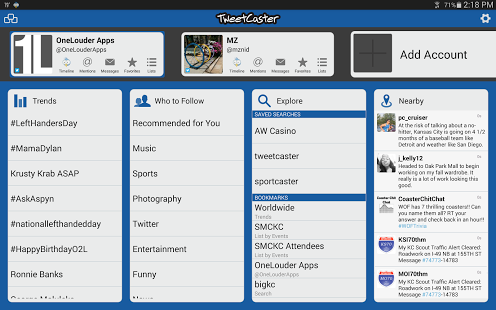
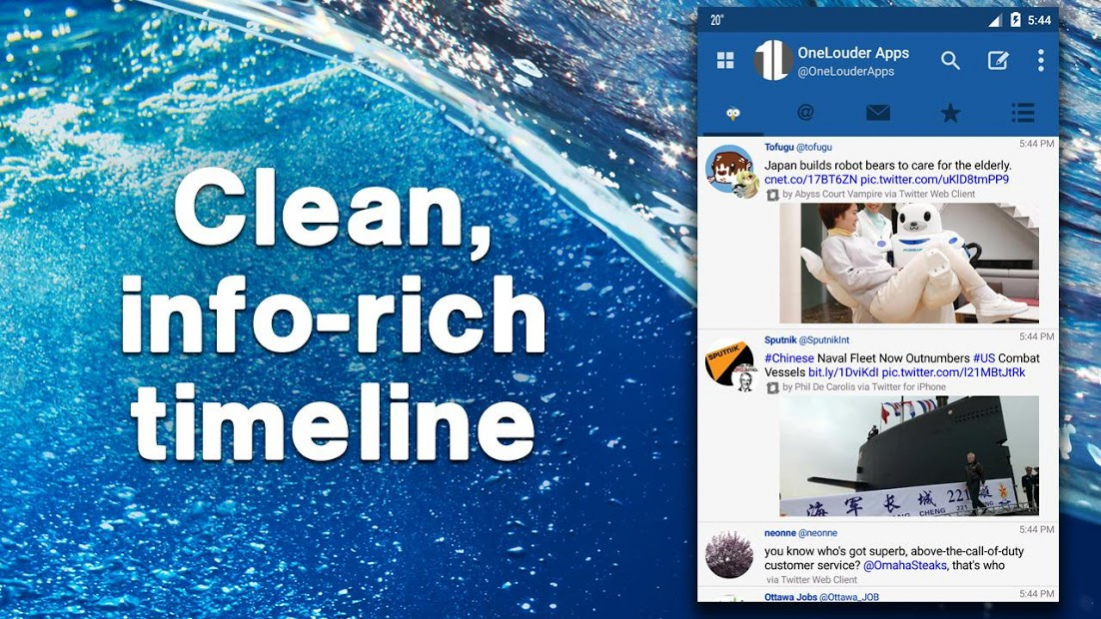
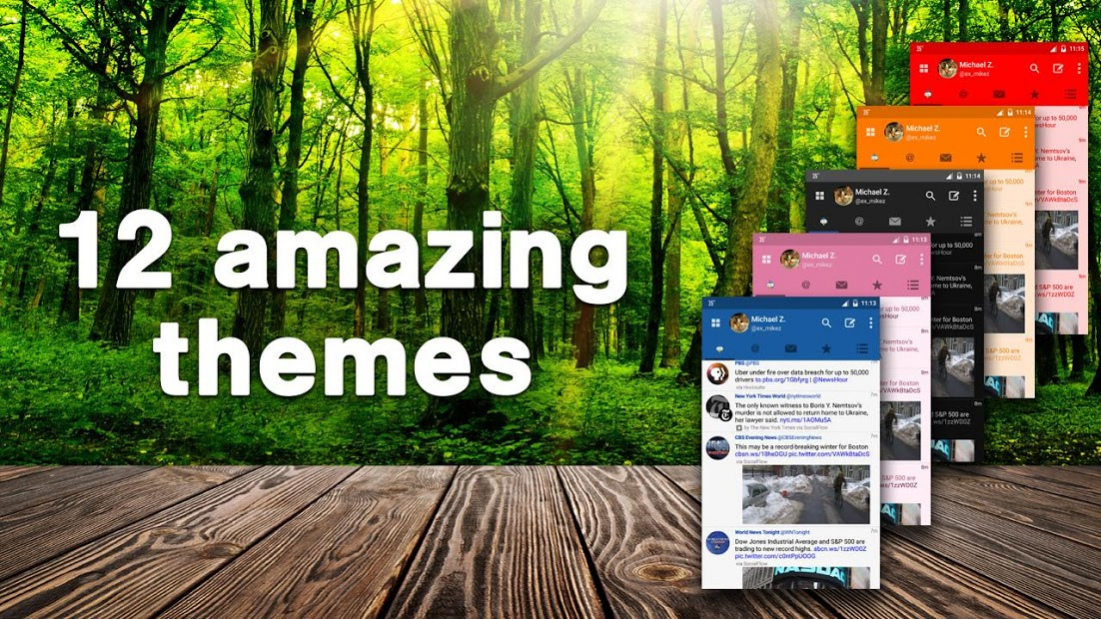
TweetCaster Pro has a gorgeous look with an intuitive interface that makes it super easy to use while packing in tons of features.
* Manage and easily post to multiple accounts
* Photo Effects – Add cool filters and captions to photos, as you upload them
* Zip It – Remove annoying people or keywords from your timeline without unfollowing
* Widgets – Scrollable and resizable
* Themes – Twelve vibrant, colorful options
* Smart Filter – Filter your timeline to look only at tweets with photos, links, videos, or hide retweets or replies
* Search Party – Lets you search just your own timeline, someone else’s, or "All"
* Smart Lists – Including robust list management and viewing tools
* My Stats – Up-to-the-minute tally for retweets, mentions, and favorites
* Photo previews – Supports most image services, including Instagram
* Speech to Text – Tap microphone on screen to start
* Schedule – Send later or send to Buffer
* Read Later – Save links to Pocket, Instapaper, or Readability
* Streaming – Your timeline updates real-time when connected via WiFi
* Readability – Allows for a mobile-optimized view
* Color Coding – Available for Tweets and Mentions
* Who to Follow - Top suggestions for your interests
About TweetCaster Pro for Twitter
The company that develops TweetCaster Pro for Twitter is OneLouder Apps. The latest version released by its developer is 9.4.7. This app was rated by 1 users of our site and has an average rating of 3.0.
To install TweetCaster Pro for Twitter on your Android device, just click the green Continue To App button above to start the installation process. The app is listed on our website since 2021-03-02 and was downloaded 55 times. We have already checked if the download link is safe, however for your own protection we recommend that you scan the downloaded app with your antivirus. Your antivirus may detect the TweetCaster Pro for Twitter as malware as malware if the download link to com.handmark.tweetcaster.premium is broken.
How to install TweetCaster Pro for Twitter on your Android device:
- Click on the Continue To App button on our website. This will redirect you to Google Play.
- Once the TweetCaster Pro for Twitter is shown in the Google Play listing of your Android device, you can start its download and installation. Tap on the Install button located below the search bar and to the right of the app icon.
- A pop-up window with the permissions required by TweetCaster Pro for Twitter will be shown. Click on Accept to continue the process.
- TweetCaster Pro for Twitter will be downloaded onto your device, displaying a progress. Once the download completes, the installation will start and you'll get a notification after the installation is finished.
Program Details
System requirements
Download information
Pricing
Version History
version 9.4.7
posted on 2021-03-02
1.Fixed SD card error when saving images
2.Crash Fixes
version 9.4.6
posted on 2021-02-22
1. Tweetcaster is now compliant with CCPA regulations.
2. Fixed reading articles in webview to allow reading entire article.
3. Updated video player to show progress when loading and fixed delay when exiting.
4. Fixed Feedback option to use Email client.
5. Misc bug and crash fixes.
version
posted on 2020-01-30
Updated API token to restore access!
version Varies with device
posted on 2018-10-29
Fixed images display on Android Pie
Fixed Direct Messages
Removed Deprecated Services
Misc. Minor Bug Fixes
version
posted on 2017-12-05
- Updated to support 280 character tweets
- Removed Readability
- Misc minor bug fixes
version
posted on 2016-12-19
9.2.6,+ Zip It Fixes,+ Followed private tweets visible,+ Copy bars show on dark themes,+ Mentions autofill - new tweet from profile,+ Toolbar appears on widget,+ Crash fixes,+ Additional Bug Fixes
version 2.8.12
posted on 2011-04-11
Several fixes and updates
